Vibe Coding for Marketers: How I Built My Own Ad Dashboard (and What to Build First)
Vibe coding means building software by describing what you want to an AI. Here is how a performance marketer uses it to build attribution dashboards and SEO tools, what to build first, and where the guardrails belong.
I call myself a performance marketer and vibe coder. The first half people understand. The second half needs a sentence: vibe coding means building working software by describing what you want to an AI, then testing and refining what it produces, rather than writing every line by hand.
For a marketer, that changes what's possible. Instead of waiting months for a developer or paying for yet another SaaS tool that almost fits, you can build the exact dashboard, report or page your campaigns need. Here's how I use it, what to build first, and where to be careful.
Why marketers should care
Performance marketing runs on data that lives in too many places: Meta Ads Manager, Google Ads, GA4, Shopify, the CRM, a spreadsheet someone updates on Fridays. Most of a marketer's week goes on moving numbers between them.
The questions that matter, like "which campaign produced bookings, not just leads?", usually need data from three of those places at once. Off-the-shelf tools rarely answer them for your business. A tool you build can.
What I've built
An attribution dashboard for a resort
For a Kerala resort group, I built LeadIntel, a dashboard that brings together Meta Ads, Google Ads, GA4 and the CRM, so every rupee of ad spend is tied to bookings the resort actually won.
It's how we know things no ad platform would tell us: that Google leads book at 5.6% against 1.7% for Meta, that October 2026 returned 5.9x on ad spend across ₹3.08L, and that the account produced 63,379 leads at a ₹45 blended cost this year. Those numbers come from matching ad data to CRM outcomes, which is exactly the kind of job a custom tool does well. See LeadIntel in the portfolio.
An SEO command centre for a jewellery brand
For a jewellery brand, I built an SEO platform that combines Search Console, GA4 and Shopify revenue with a nightly site crawler and competitor tracking, plus an approval-gated assistant that proposes product SEO fixes. See the SEO Command Center.
This website
This site, including its blog, case studies and admin panel, was built the same way.
What to build first
The best first projects are repetitive, well-defined and internal: things you do every week, that take hours, with clear inputs and outputs, where a bug won't hurt a customer.
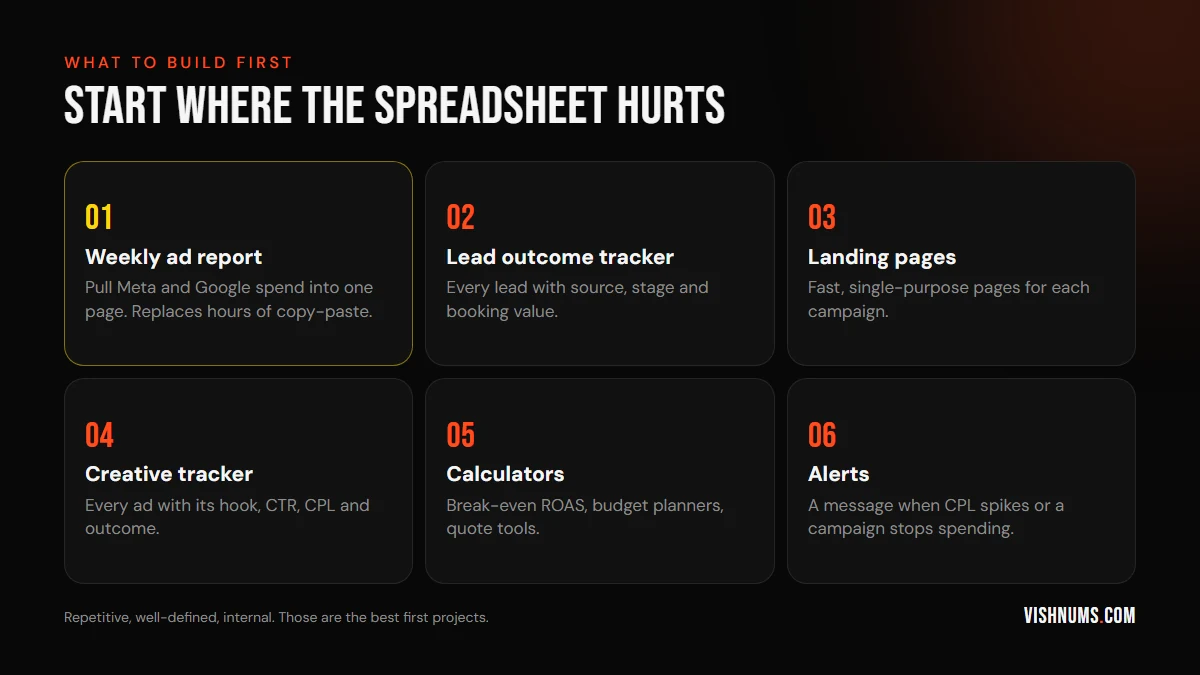
- 01A weekly ad report. Pull spend, leads and sales from Meta and Google into one page. This alone can save hours every week.
- 02A lead outcome tracker. Every lead with its source, stage and booking value. This is the foundation of real measurement. See why in Facebook leads but no sales.
- 03Landing pages. Fast, focused pages for each campaign, without waiting for a web team.
- 04A creative tracker. Every ad with its hook, CTR, cost per lead and outcome, so you learn what works.
- 05Calculators. A break-even ROAS calculator, a budget planner, a quote tool for your sales team. Here's the break-even ROAS formula to start with.
- 06Alerts. A message when cost per lead spikes or a campaign stops spending.
How I work
- 01Write down the question first. "Which campaigns produced bookings last month, and at what cost?" A clear question keeps the build small.
- 02Describe the tool in plain language to an AI coding assistant: the data sources, what the page should show, and who will use it.
- 03Start with fake or exported data, like a CSV from Ads Manager, before connecting live APIs.
- 04Check every number by hand against the source at least once. AI-written code can be confidently wrong.
- 05Connect live data once the logic is right, then automate the refresh.
- 06Keep it small. A tool that answers one question well beats a giant dashboard nobody opens.
Where the guardrails belong
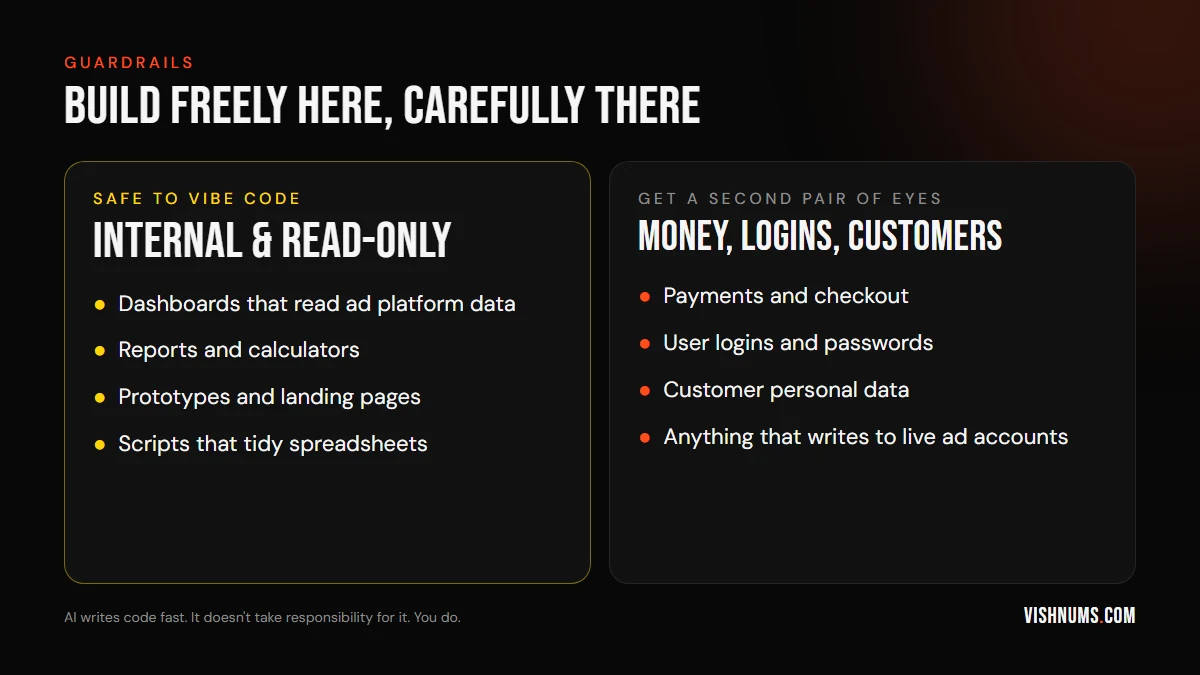
AI makes it fast to build things. It doesn't make them safe by default. Be especially careful with:
- Customer data. Phone numbers and emails in a CRM are personal data. Keep tools private, behind a login, and don't paste customer lists into tools you don't control.
- API keys and passwords. Never put them in code you share or in a public repository.
- Anything that changes live accounts. A script that edits budgets or pauses campaigns can do expensive damage in seconds. Start read-only, and add approval steps before anything writes.
- Payments and logins. Get someone experienced to review these before they go live.
Do you still need developers?
For customer-facing products, complex systems and anything handling money or sensitive data, yes. Vibe coding doesn't replace good engineering. What it does is let marketers build the internal tools, reports and prototypes that would never make it onto a developer's priority list, and arrive at a developer's desk with a working prototype instead of a vague request.
Frequently asked questions
What is vibe coding?
Vibe coding is building software by describing what you want to an AI coding assistant, then testing and refining the result, instead of writing all the code yourself.
Can marketers really build their own dashboards?
Yes, especially internal dashboards that read data from ad platforms, analytics and CRMs. Start with exported data, check every number against the source, then connect live APIs.
Is vibe coding safe?
It's safe for internal, read-only tools if you protect your data and keys. Anything involving payments, logins, customer data or changes to live ad accounts needs careful review.
Want a custom dashboard that ties your ad spend to real revenue, or a performance marketer who can build the tools as well as run the ads? See my services or request a quote.
Ads, a website that converts, or both: get a custom quote.